
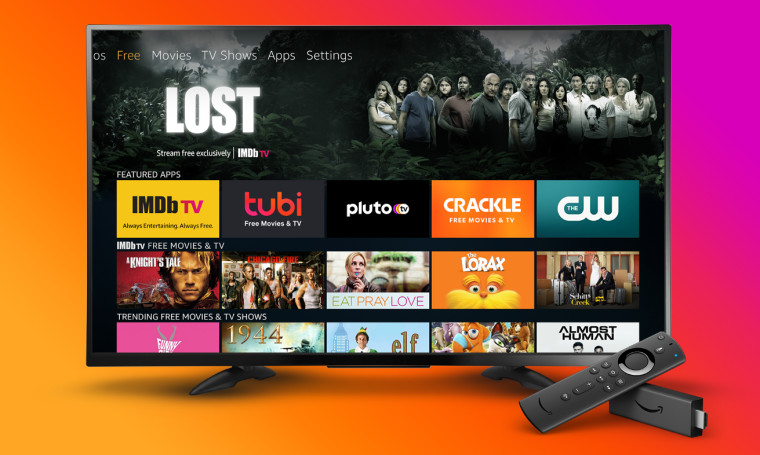
Follow these steps to install G6livetv.com IPTV on your Firestick / Fire TV / Fire Cube:
- Enable ‘Apps from Unknown Sources’ in your Firestick settings.
- Install the ‘Downloader’ app from the Amazon Appstore.
- Use Downloader to install your preferred IPTV app (e.g., IPTV Smarters Pro).
- Open the IPTV app and log in with your G6livetv.com IPTV credentials.
- For a detailed, step-by-step walkthrough, click the button below.
Recommended Apps: IPTV Smarters Pro (APK), TiviMate (APK), XCIPTV (APK)
Note: App availability and exact steps might vary slightly depending on your device model and software version. Always refer to the subscription email from G6livetv.com IPTV for specific links or credentials.