

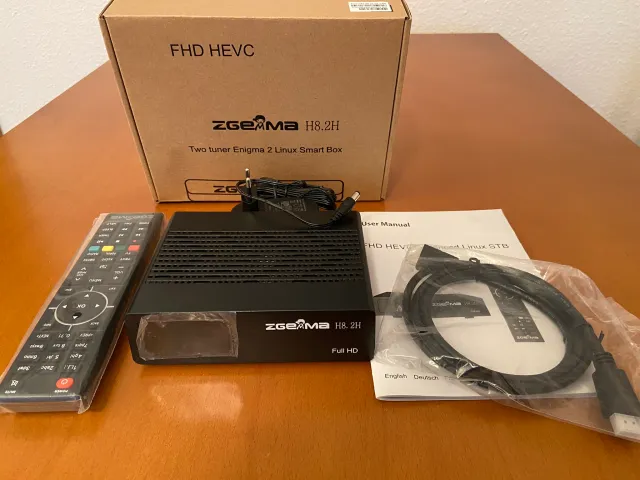
Follow these steps to install G6livetv.com IPTV on your Enigma2 / ZGEMMA:
- Ensure your Enigma2 device is connected to your network.
- Using a computer on the same network, connect to your device via an FTP client (like FileZilla) or SSH (like PuTTY).
- Navigate to the ‘/etc/enigma2/’ directory.
- You will need to create a bouquet file (e.g., ‘userbouquet.g6livetv.com’) and add it to the ‘bouquets.tv’ file.
- Alternatively, use a script command. G6livetv.com IPTV will provide the exact script/command line to run via Telnet/PuTTY.
- After running the command or uploading the files, restart the Enigma2 GUI (Graphical User Interface).
- Your iptvuk.it.com IPTV channels will appear in your channel list.
Recommended Apps: PuTTY (Telnet/SSH), FileZilla (FTP), JediMaker Xtream
Note: App availability and exact steps might vary slightly depending on your device model and software version. Always refer to the subscription email from G6livetv.com IPTV for specific links or credentials.