

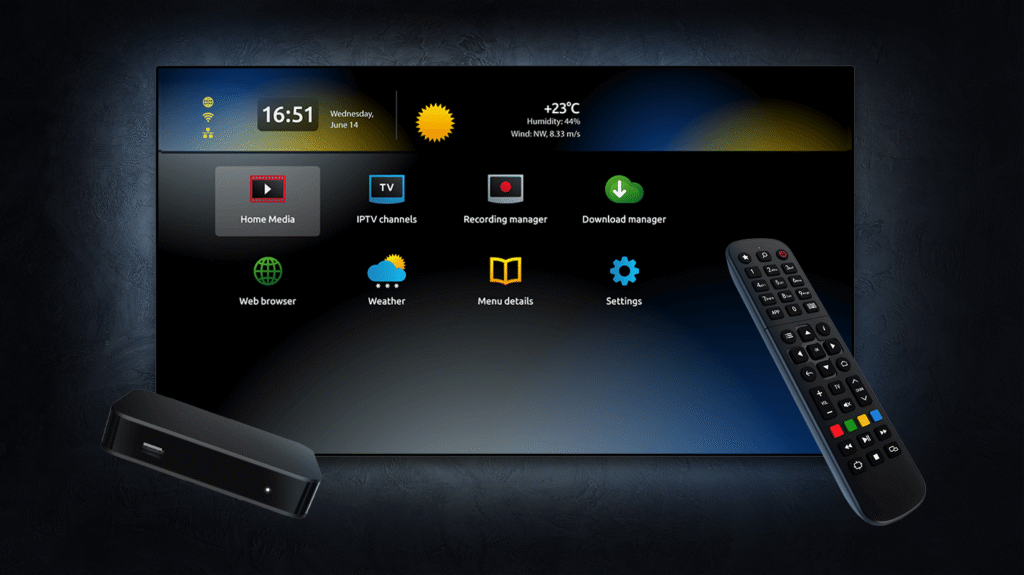
Follow these steps to install G6livetv.com IPTV on your MAG Devices (STB, TVIP, Formuler):
- Connect your MAG box to your TV and internet.
- Go to Settings > System Settings > Servers > Portals.
- For ‘Portal 1’ (or an empty portal), enter the Portal URL provided by G6livetv.com IPTV in your subscription email.
- Save and reboot the device/portal.
- The portal should load, giving you access to channels.
- For STB Emulator App: Install the app. Go to Settings > Profiles > Add Profile. Configure the MAC address (we will advise if needed, often starts with 00:1A:79:XX:XX:XX) and the Portal URL.
- Save and load the profile.
Recommended Apps: STB Emulator, Built-in MAG Portal
Note: App availability and exact steps might vary slightly depending on your device model and software version. Always refer to the subscription email from G6livetv.com IPTV for specific links or credentials.